Trigger
Staff post four to twelve usable photos to the shared channel your team already uses. Slack is one option. Five trigger photos can start the workflow while the full merchandising set is still being shot.
Signature system / Photo-to-market
Your people already take photos when a car is ready. Those photos start the workflow. We turn them into the listing, the ads and the social posts, with the facts checked, a manager’s approval, and a record of what happened, tied to the stock number.



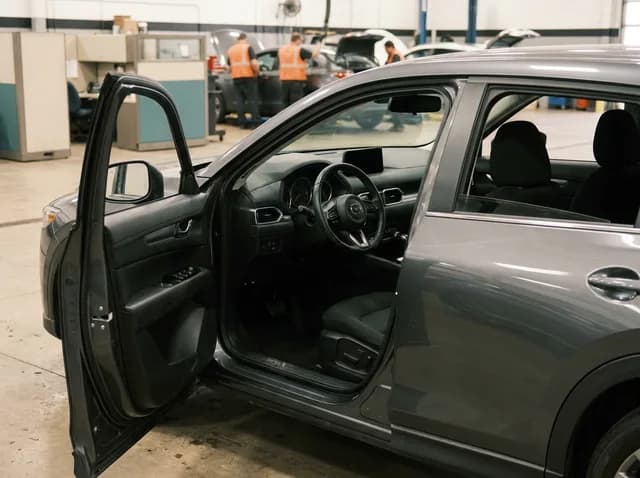

Why this build matters
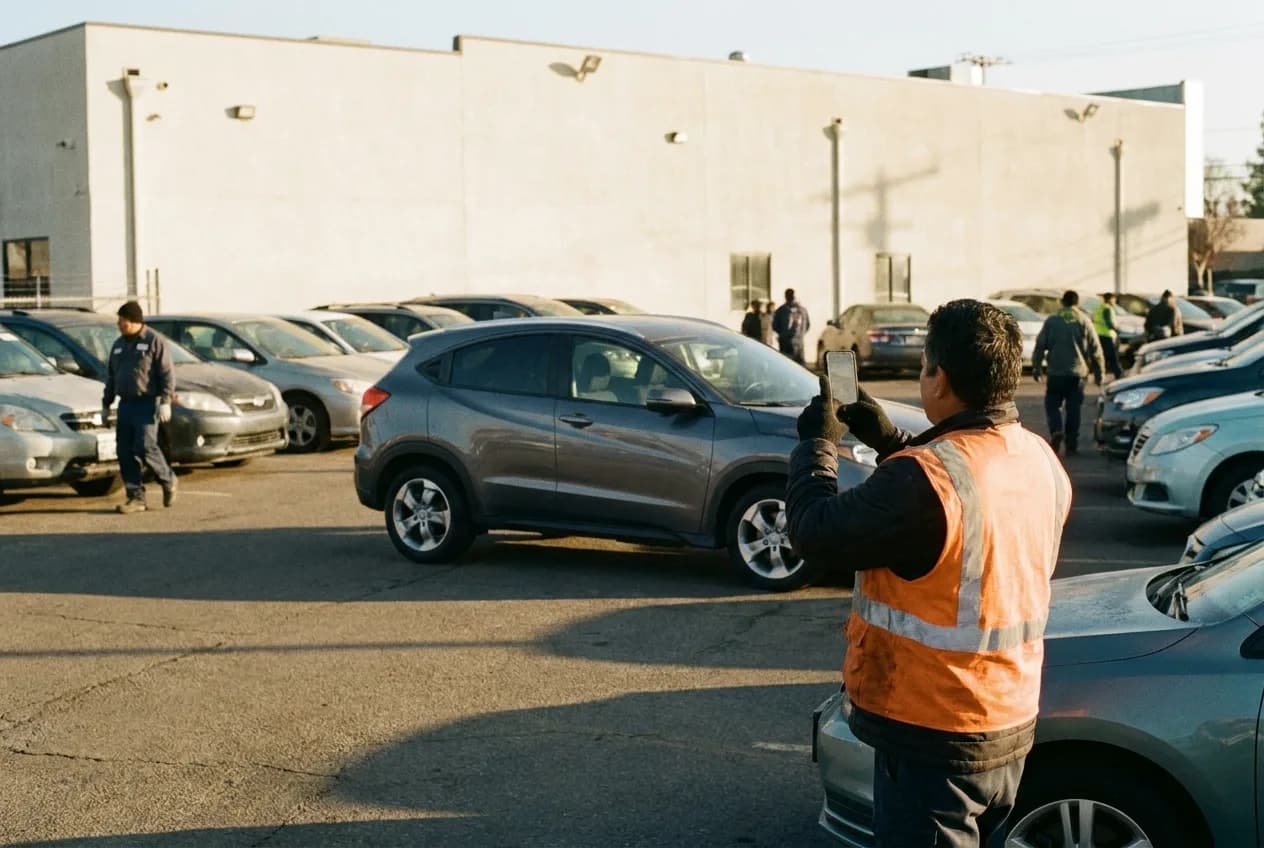
The store should not need a copywriter, SEO specialist, paid-media manager, social coordinator and salesperson to rewrite the same vehicle facts before it is market-ready.
One clean inventory event supplies all of them. Each output is written for its destination. Managers see only the exceptions that deserve judgment.
The event chain
Eight stages, one source record and a visible owner at every exception.
Staff post four to twelve usable photos to the shared channel your team already uses. Slack is one option. Five trigger photos can start the workflow while the full merchandising set is still being shot.
The workflow checks count, orientation, blur, glare, duplicates and missing views. It reads visible VIN or sticker text and flags conflicts.
Approved sources supply trim, drivetrain, mileage, packages, options, fuel type, seating, safety features and dealer-specific facts.
Every destination gets native copy. A VDP is not reused as a Facebook post, and a search ad is not padded into an article.
Rules catch unsupported options, price conflicts, prohibited finance language, duplicate copy, missing disclosures and sensitive claims.
A manager sees the photos, core facts, warnings and proposed outputs. They can approve all, edit one channel or hold the unit.
Approved assets move to the destinations the store uses, limited by platform policy and available integrations.
Stock number, channel, campaign and approval record connect ready-to-live time to engagement, leads, appointments and sale.
Vehicle-specific output kit
Vehicle spotlight article · Ownership article · Local buyer guide · Craigslist listing · Short-form video script · Approved Spanish-language versions. Produced only when a store asks for them, and subject to platform policy and the integrations the store actually has.
Guardrails / Non-negotiable
Speed without fact control is just faster risk. If a price conflicts, a trim cannot be verified or a financial claim needs approval, the workflow stops and sends it to a manager with a clear question.
What management sees
Dealer Automation Audit
A narrow pilot makes the real approval burden, data quality and time-to-live visible before the workflow expands.
Start the audit